
Guides
Start in Bike Universe with beginner guides: how to play, first ride tips, controls, progression, money basics and everything a new rider needs to get going on Roblox.
Introduction
The Guides category is the best starting point for anyone who just joined Bike Universe. We walk you through the first minutes of the game: how to launch it on Roblox, what the basic controls do, how the progression loop works and which early mistakes cost you the most time. Bike Universe is an open-world riding sim, so the biggest early challenge is knowing what to do first rather than mastering hard mechanics. Our beginner guides break the loop into clear steps: ride to earn cash, buy your first upgrade, save for a new bike and then tune it to your style. Every guide in this category is written for a new rider and keeps technical detail manageable, so you can go from confused to cruising in a single session. We also cover settings, camera choices and cross-platform tips for desktop, console, mobile and tablet players so the game feels comfortable no matter which device you use.
Beginner Path Quick Reference
| Step | What to Do | Why It Helps | Time |
|---|---|---|---|
| 1 | Join the game | Starts your progress loop | 1 min |
| 2 | Ride and brake | Builds core control | 15 min |
| 3 | Earn base cash | Funds your first upgrade | 20 min |
| 4 | Practise wheelies | Boosts cash per ride | Ongoing |
| 5 | Buy a new bike | Opens new routes | Session 2 |
First-Session Path
Join the Game
Launch Bike Universe on Roblox from any supported device and wait for the open world to load.
Learn the Controls
Ride in a straight line first, then practise steering, braking and the wheelie input.
Earn Starter Cash
Just riding earns cash, so complete one full lap of the spawn area before buying anything.
Buy Your First Upgrade
Spend early cash on the cheapest upgrade that makes riding more profitable, not on cosmetics.
Set Up Your Device
Adjust camera, graphics and controls in the settings menu once, so every session feels consistent.
Find Your Riding Style
Try a little of everything — cruising, tricks and a race with a friend — before you commit to one path.
Core Mechanics
The core loop of Bike Universe is simple: you generate cash while riding around the map, then spend that cash on better bikes and upgrades. Riding anywhere pays a base amount per minute, so even casual cruising earns you money. Wheelies and tricks add bonus payouts when you perform them successfully, which makes skilled riding significantly more profitable than straight cruising. The map is an open world with streets, hills and ramps, and you are free to explore in any direction. Your progression is driven by two resources: the cash you earn and the bikes you collect. Better bikes are faster or more capable in specific situations, and the garage lets you tune speed and handling to fit your routes. Racing your friends opens a competitive layer where route knowledge and bike choice matter as much as raw speed. Understanding this loop — ride, earn, upgrade, repeat — is the single most useful thing a new player can learn.
Advantages
The main advantage of learning through our beginner guides is that you skip the aimless phase most new players experience. Bike Universe gives you almost no direction beyond riding, so without a plan you can spend several sessions just drifting around the map and earning slowly. Our guides show you a repeatable early-game routine: where to ride first, how to practise wheelies safely and what to buy in the right order. Following the guides means your first few hours produce steady cash instead of frustration. You also learn the cross-platform settings that make the game comfortable on your device, which removes physical friction before it becomes discouraging. Finally, our guides flag the common misconceptions — like expecting instant money from tricks before you learn the timing — so you avoid the traps that slow down other beginners.
Challenges
The honest limitation of beginner guides is that Bike Universe changes quickly. The game launched in September 2026 and is still iterating, so exact numbers, prices and unlock paths in any guide can drift out of date within a few updates. We label community-reported details clearly, but even confirmed facts like visit counts change every day. Guides are also written from generalised experience, and riding feel differs per device — a technique that feels natural on desktop can be awkward on mobile. Finally, no written guide replaces in-game practice. Reading about wheelies teaches you the input, but you still need trial and error to balance them. Treat guides as a map, not a script: use them to plan your session, then confirm the details in the game before spending your hard-earned cash.
Frequently Asked Questions
What should I do first in Bike Universe?+
How long does it take to get a new bike?+
Is Bike Universe cross-platform?+
Quick Tips
Start every session with a clear goal. Decide whether you are grinding money, practising a trick or learning a race route, and ride with that purpose instead of drifting. A focused ten-minute session usually earns more than a wandering hour, because every mile you ride while chasing a goal has a purpose and your technique improves along the way.
Learn to brake before you learn to trick. New riders who crash constantly lose momentum and cash, and frustration makes sessions shorter. Master smooth braking and gentle cornering on flat ground, then add wheelies and tricks. The basics take one session to build and they make every later skill easier to learn, so do not rush past them.
Keep an eye on the map layout as you ride. Note where the ramps, hills and long straights are, because those landmarks define the best money routes and race lines. Your first instinct will be to ride randomly, but the players earning the most cash are following deliberate loops that they know well.
Ignore cosmetics until your riding is efficient. It is tempting to spend starter cash on paint and decals, but performance upgrades multiply every future ride’s value while looks do nothing for your income. Save the style spending for after you own a solid bike and have a reliable money routine.
Featured
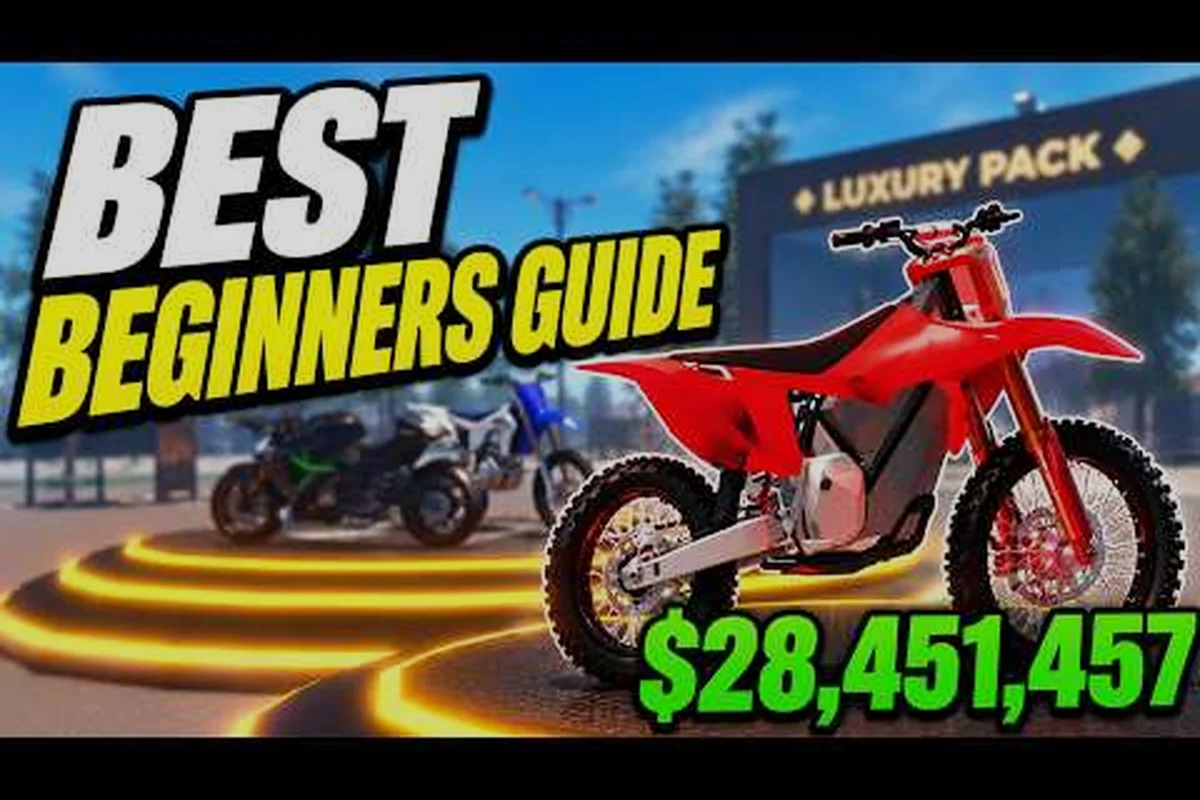
Bike Universe Basics: PC Guide, Overview & Core Mechanics
Learn Bike Universe basics on PC, from a clear game overview to core mechanics like cash earning, bike families, and what to expect from the open-world map.
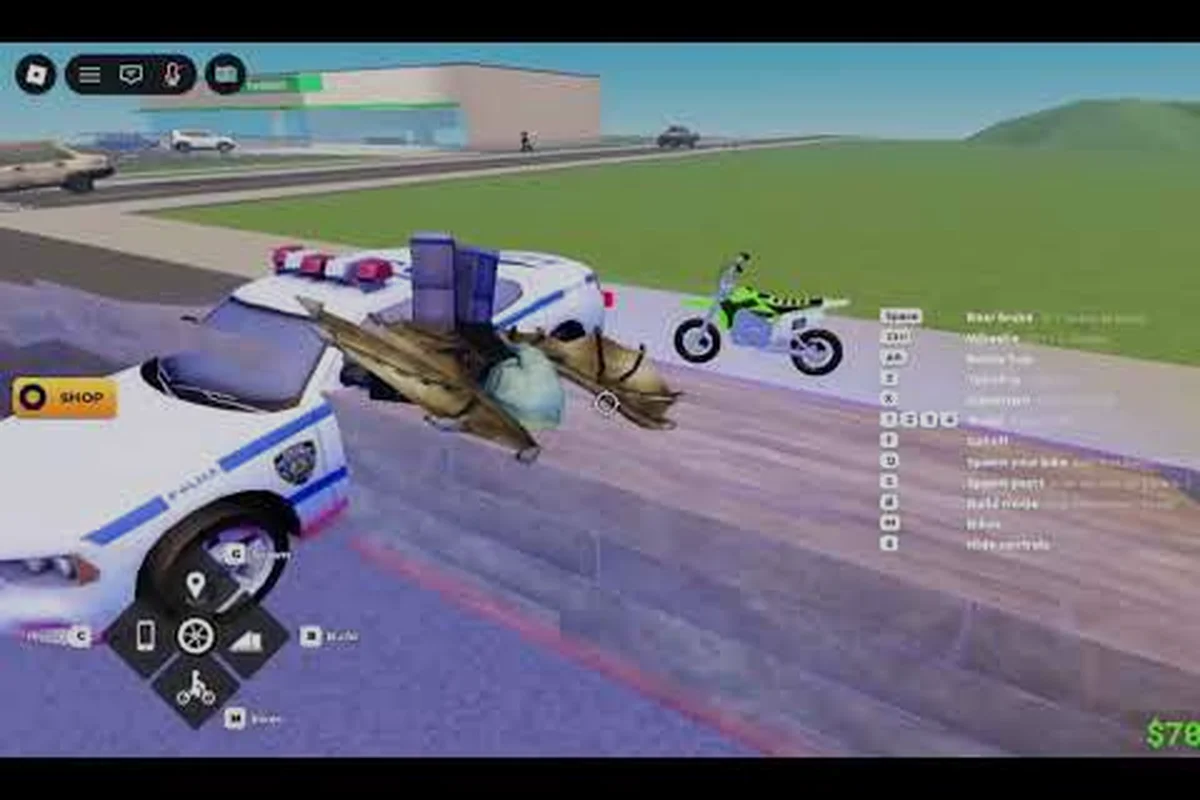
Bike Universe Beginner Guide: Controls, First Bike & Cash Tips
Start your Bike Universe journey the right way: learn core controls, pick your first bike, and pick up beginner tips to earn cash fast on the open-world map.
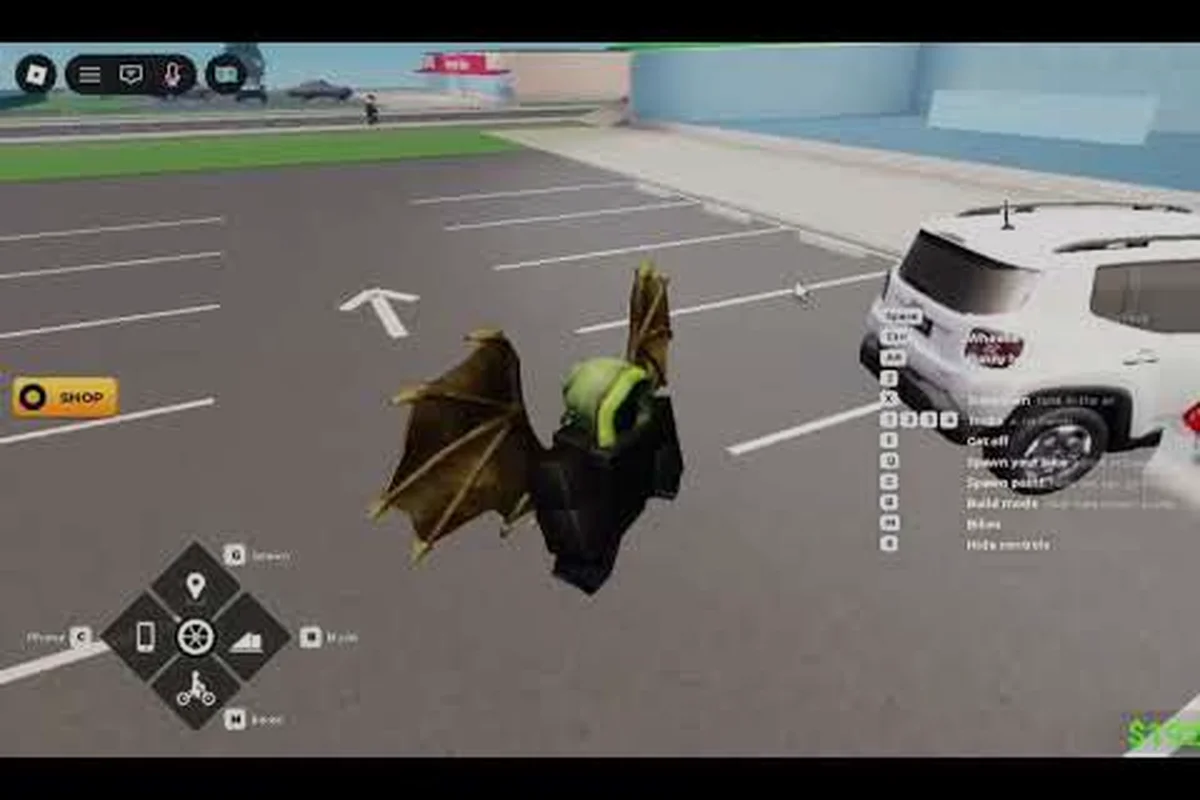
Bike Universe How to Ride a Bike: Controls, Speed & First Bike
Master how to ride a bike in Bike Universe with step-by-step control tips, the fastest way to unlock your first ride, and tricks to boost your riding speed.
All Articles
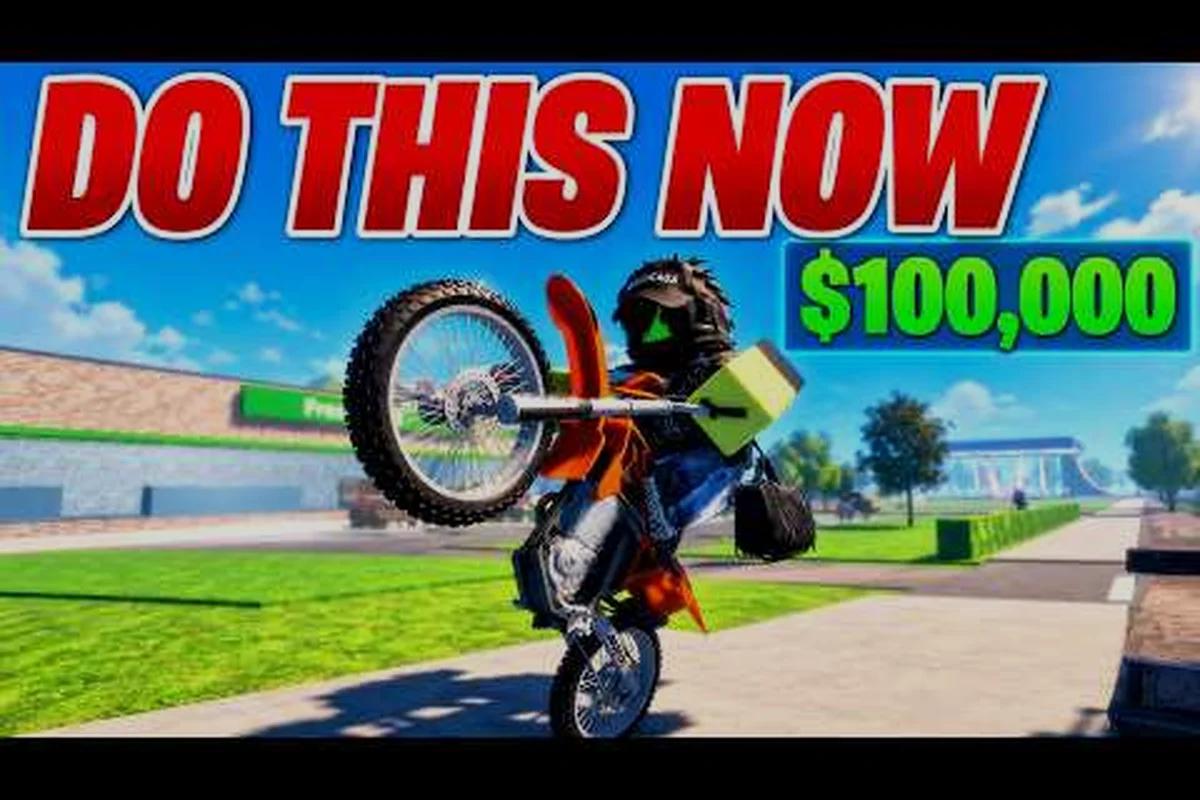
Bike Universe Complete Guide: Solo, Mobile & Quick Start Tips
Get the complete Bike Universe guide covering solo progression, mobile play, and a quick start routine to grind cash, unlock bikes, and level up fast.
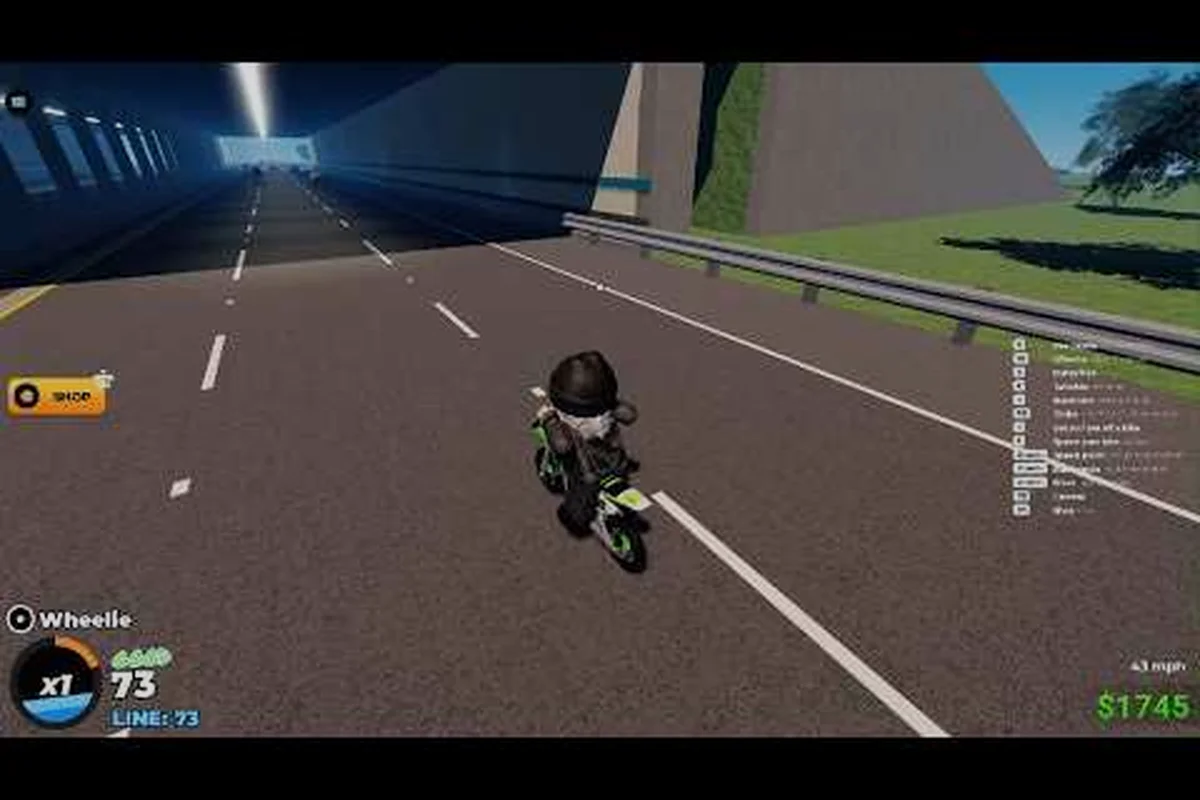
Bike Universe Gameplay: Objectives, Roadmap & Beginner Help
Understand Bike Universe gameplay: the main objectives, the current roadmap of features, and the beginner help you need to progress smoothly through the game.
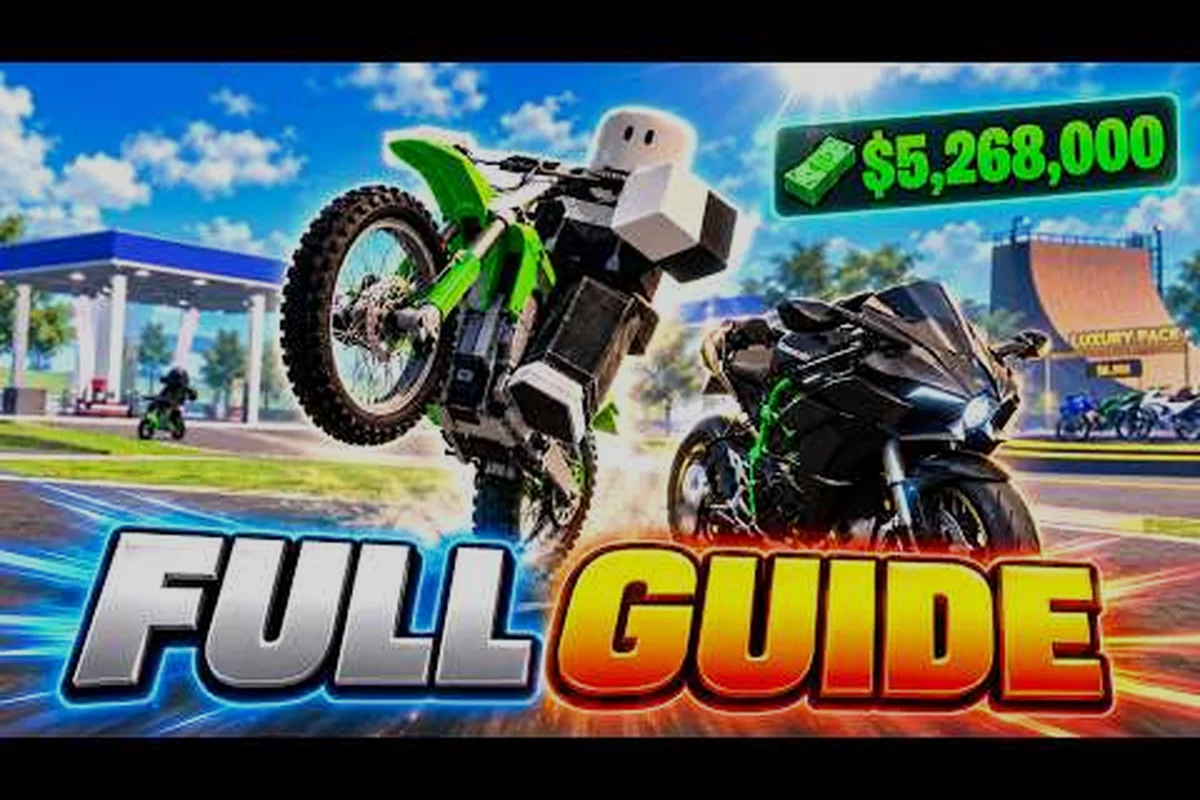
Bike Universe Guide 2026: Walkthrough, Tutorial & Controls
Stay current with the Bike Universe guide 2026: a full walkthrough of core tutorial steps, updated controls, and the systems that matter most for new riders.
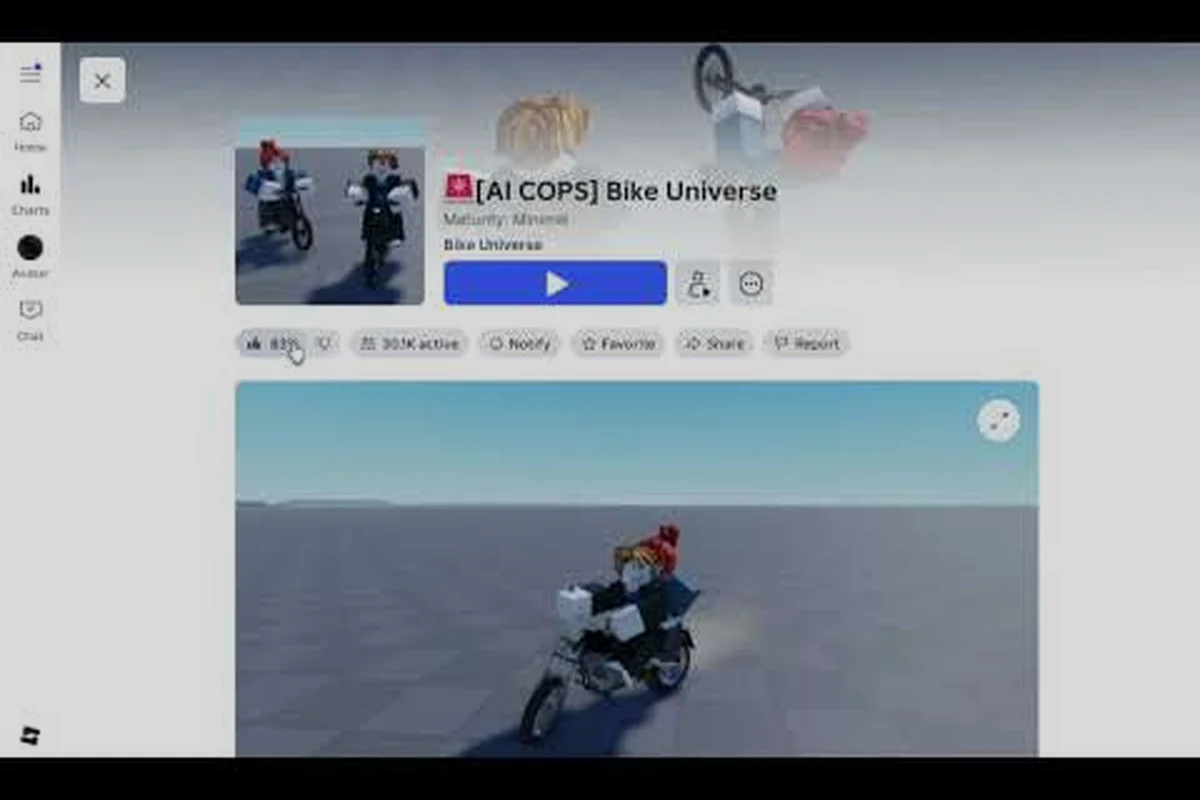
Bike Universe How to Get Free Bikes: Starter, Garage & Friends
Learn Bike Universe how to get free bikes with starter ride options, garage stocking tricks, and friend tips that fill your inventory without spending cash.
Bike Universe What to Do First: New Player Starting Steps
Learn what to do first in Bike Universe: from spawning into the open world to earning your first cash through riding, wheelies, and beginner-friendly bike pickups.
Bike Universe Beginners Mistakes: Settings, Camera & Info
Steer clear of the most common Bike Universe beginners mistakes with proven settings tweaks, camera fixes, and game info that actually matters.
Bike Universe Console Guide: Tablet, Cross-Play & Private Servers
Set up Bike Universe on console and tablet with this cross-platform guide, including cross-play and private server tips so you can ride with friends on any device.